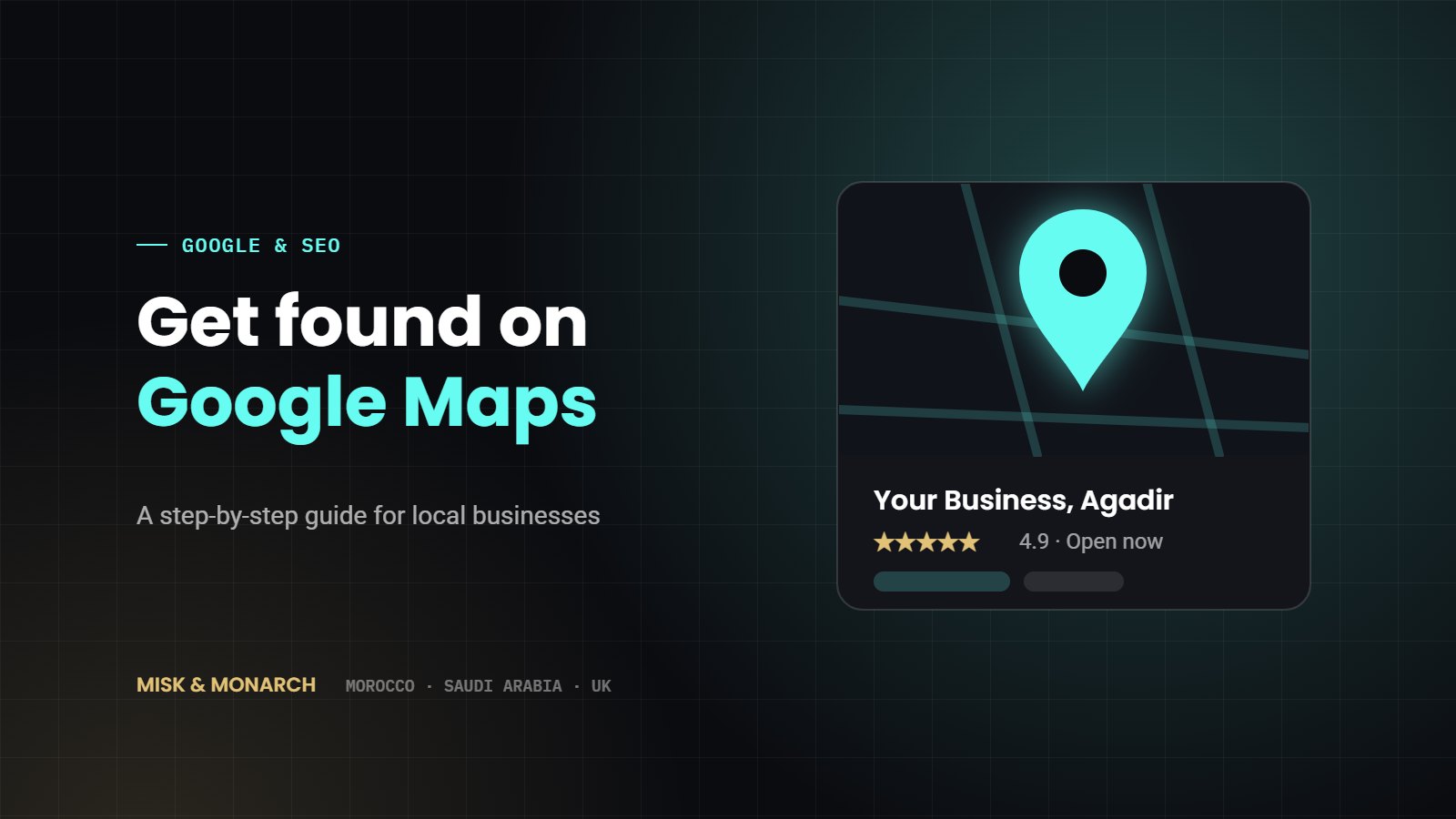
When someone in Agadir searches “restaurant near me”, “dentist Agadir” or “surf school Taghazout”, Google shows a map with three businesses at the top. Those three get most of the calls, the direction requests and the bookings. The good news: getting into that map is free, and you don’t need to be a big company to do it.
This guide walks you through it step by step, in plain language. It works for any local business, whether you run a riad, a café, a clinic, a shop or a service company.
What is a Google Business Profile?
A Google Business Profile is your free business listing on Google. It is what appears on Google Maps and on the right side of Google Search when someone looks for your business. It shows your name, address, phone number, opening hours, photos, reviews and a link to your website or WhatsApp.
For many local customers, this listing is the first thing they see about you, often before your website or Instagram page. A complete, active profile tells them you are open, real and trusted.
Step 1: Check if your business is already on Google
Search for your business name and city on Google Maps. Sometimes a listing already exists because a customer or Google created it automatically. If you find one, click “Own this business?” or “Claim this business” and follow the steps. If not, go to Google Business Profile and choose “Add your business”.
Use a Google account that belongs to the business, not a staff member’s personal account. If that person leaves, you don’t want to lose access to your listing.
Step 2: Enter your details correctly
This is where most businesses lose points. Fill in every field carefully:
- Business name: use your real name, exactly as it appears on your sign. Don’t add extra words like “best hotel Agadir”. Google can suspend listings for that.
- Category: choose the most specific main category, for example “Moroccan restaurant” rather than just “Restaurant”. You can add a few secondary categories too.
- Address: write it the same way everywhere: on Google, on your website and on Facebook. If you visit customers instead of receiving them, you can hide your address and show a service area instead.
- Phone and WhatsApp: add a number that is answered. Many Moroccan customers prefer to message, so a WhatsApp link is worth adding.
- Opening hours: keep them accurate, including Ramadan hours and public holidays.
Step 3: Verify your business
Google needs to confirm that your business is real and that you are the owner. Depending on your business, it will ask you to verify by recording a short video of your premises, by phone, by email or by postcard. Follow the instructions exactly. Your listing will not appear properly until it is verified.
Step 4: Add real photos
Listings with good photos get more clicks and more direction requests. Add:
- Your shop front or entrance, so people recognise it when they arrive
- The inside of your business
- Your products, rooms, dishes or team at work
- Your logo and a cover photo
Use real photos taken in daylight. Avoid stock images. Add a few new photos every month to show the business is active.
Step 5: Write a clear description
You have 750 characters to describe your business. Say what you do, where, and for whom, in simple words. Mention the area you serve and what makes you different. Write it in the language your customers search in. In Agadir, that might mean writing your main description in French and adding English in your posts and photos for tourists.
Step 6: Ask for reviews, and reply to every one
Reviews are one of the biggest reasons a business appears in the top three on the map. They also convince customers to choose you.
- Ask happy customers at the right moment, for example after a good meal, at check-out or when a job is finished.
- Make it easy: share your review link by WhatsApp or print a QR code at your counter.
- Reply to every review, good or bad, politely and quickly. A calm, helpful reply to a bad review often impresses future customers more than a perfect score.
Never buy reviews or write them yourself. Google detects this and can remove reviews or suspend your listing.
Step 7: Keep your profile active
Google favours businesses that keep their information fresh. Once a week, take five minutes to:
- Add a post about an offer, event or new product
- Upload a new photo
- Answer any questions customers have asked
- Check your hours and phone number are still correct
How long does it take to see results?
Once your listing is verified and complete, you can start seeing more calls and direction requests within a few weeks. Reaching the top three for competitive searches, such as hotels or restaurants in central Agadir, takes longer and depends on your reviews, your website and how close the customer is to you.
A complete profile with real photos and regular reviews will beat a bigger competitor with an empty listing more often than you would think.
Need a hand?
Setting up and looking after your Google Business Profile is one of the first things we do for local clients in Agadir and across Morocco, Saudi Arabia and the UK. If you’d like us to check your listing and tell you what to fix first, send us a message. The first call is free.